Category: Digital Asset Buying Guides

  • Build a Repeatable Resource System for Every Project

    Build a Repeatable Resource System for Every Project

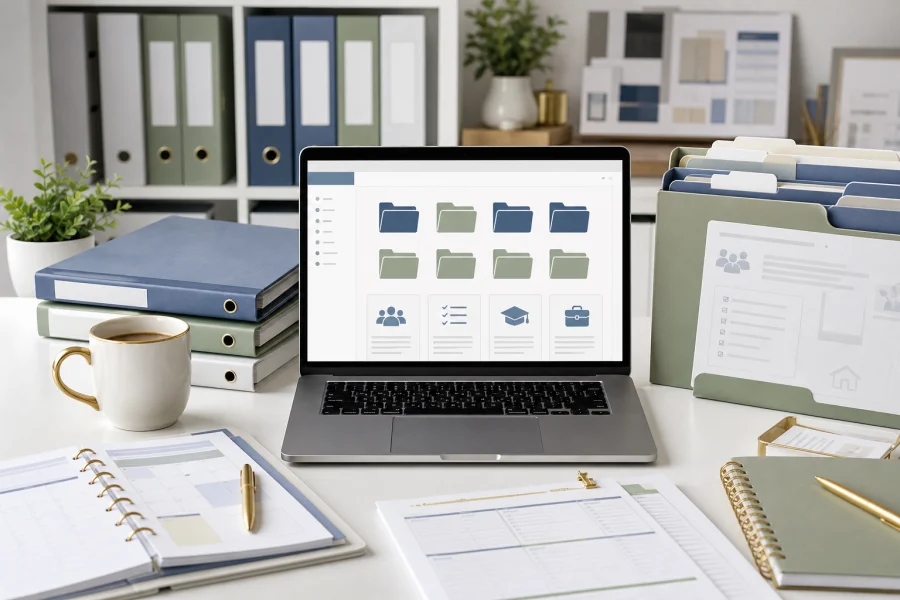
    Every project becomes easier when you do not have to rebuild the setup. Whether you are planning a family routine, preparing a teaching unit, or launching a business offer, a repeatable resource system gives you a reliable starting point. It collects the templates, assets, examples, checklists, and AI prompts you already trust.

    Start with project types

    Organize resources by the kind of work they support. A folder called Templates is less useful than folders such as Family Planners, Classroom Activities, Product Launches, Client Documents, Image Assets, and AI Prompt Frameworks. Project-based categories help you find resources when you are under time pressure.

    Inside each category, keep only resources that are genuinely reusable. A system becomes harder to use when it stores every download without review. Choose assets that have clear quality, usable file formats, and a license that fits your needs.

    Create a simple naming habit

    File names should tell you what the resource is, who it is for, and whether it is a source file or final version. For example, a name like “family-weekly-meal-planner-editable” is more useful than “download-42.” Clear names reduce searching and make it easier to reuse the same asset months later.

    • Keep source files separate from exported files.
    • Save license notes near purchased assets.
    • Store AI prompts with the output they helped create.
    • Archive outdated versions instead of mixing them with active files.
    • Review the library monthly and remove clutter.

    Build a starting checklist

    For each new project, use a short checklist: choose a template, gather the required assets, draft or outline with AI if helpful, customize for the audience, review the license, export the final file, and save the finished version back into the system.

    This approach turns your resource library into a workflow. It helps every new project begin with clarity instead of friction, and it keeps your best materials working for you again and again.

  • How to Combine AI and Digital Assets Without Starting From Scratch

    How to Combine AI and Digital Assets Without Starting From Scratch

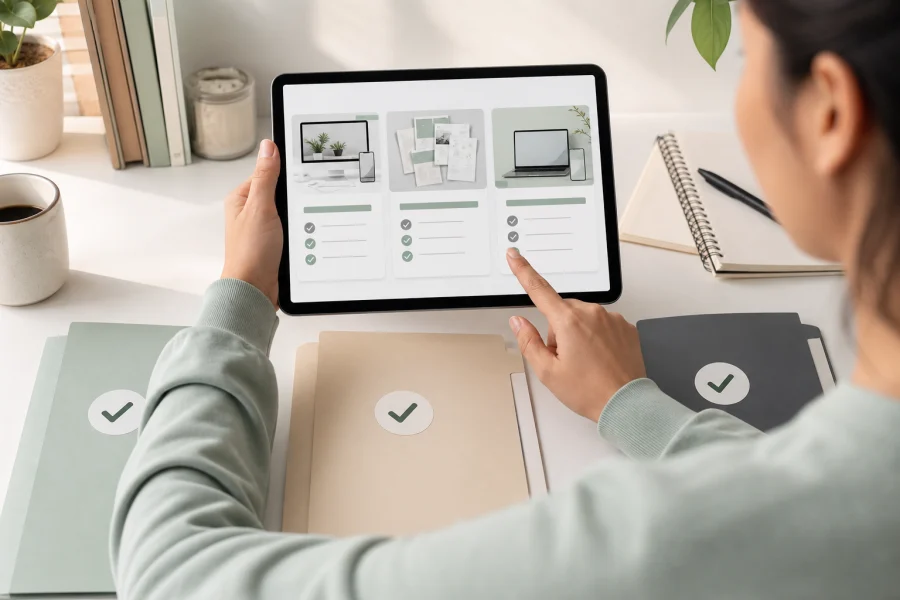
    AI and digital assets solve different parts of the same problem. AI can help you think, outline, draft, summarize, and create variations. Digital assets give you structure, design, formatting, and reusable files. When you combine them well, you can finish projects faster without making everything feel generic.

    Let templates carry the format

    A good template already solves layout questions. It defines sections, spacing, page flow, visual hierarchy, and export size. That means you do not need AI to invent the entire product or document. You can use the template as the container and ask AI to help with the content that belongs inside it.

    For example, a workbook template can hold reflection prompts, checklists, and action steps. AI can help draft those prompts based on your audience. A social media template can provide the visual structure while AI helps create caption variations and post angles.

    Use AI for structured drafts

    The best AI prompts are specific. Instead of asking for “content ideas,” describe the asset you are filling: a five-page planner, a classroom review activity, a product listing, a launch email, or a checklist. Include the audience, tone, constraints, and final format. Then review and edit the result before it goes into the template.

    • Use AI to create outlines before designing.
    • Use purchased templates to keep the format professional.
    • Use AI to make variations for different audiences.
    • Use your judgment to edit examples, claims, and instructions.
    • Track licenses for every asset you include.

    Keep the final project intentional

    Speed should not remove taste. If every AI draft is dropped directly into a template, the finished project may feel bland. Add your examples, experience, positioning, and customer insight. Replace generic phrases. Simplify where needed. Make the design choices serve the purpose.

    The strongest workflow is a partnership: AI helps generate useful raw material, digital assets provide a polished container, and you make the final decisions that turn the project into something worth using.

  • What to Check Before Buying Digital Assets

    What to Check Before Buying Digital Assets

    Buying digital assets is easy. Buying the right digital assets takes a little more attention. A template, photo pack, planner, icon set, or worksheet bundle can look perfect in the preview but still be wrong for your project if the file format, license, or editing requirements do not match your needs.

    Check the file types first

    File format determines how flexible the asset will be. A PDF may be perfect for printing but difficult to customize. A layered design file may be easy to edit but only useful if you have access to the right software. A PNG can work well for web graphics, while a vector file is better when you need sharp resizing.

    Before buying, ask: can I open this file, edit what I need to edit, and export it in the final format my project requires?

    Read the usage rights

    License terms are not exciting, but they matter. Some assets are for personal use only. Some allow commercial use but do not allow resale as-is. Some require meaningful modification before inclusion in a paid product. Others may limit print runs, client work, or distribution inside templates.

    • Personal use: good for home, classroom, or internal projects.
    • Commercial use: needed for products, client work, and marketing materials.
    • Resale restrictions: important for templates, printables, and digital product bundles.
    • Attribution rules: check whether credit is required.

    Evaluate quality signals

    Look for clear previews, realistic mockups, detailed descriptions, and examples of included pages or elements. If the seller shows only one attractive image but does not explain what is inside the download, proceed carefully. Strong asset listings usually make the deliverables obvious.

    Finally, consider support. If a file is complex, does the seller provide instructions? If the asset depends on a specific design tool, are the steps clear? Good documentation can save as much time as the asset itself.

    A simple pre-purchase checklist protects your budget and your project timeline. Check the format, license, editability, quality, and support before you click buy.

  • Where to Buy Digital Assets for Your Next Project

    Where to Buy Digital Assets for Your Next Project

    Digital assets can save a project from getting stuck in production. Templates, stock photos, mockups, icons, printable pages, worksheets, fonts, and design kits can all help you move faster. The question is not simply where to buy them. The better question is where to buy the right asset for the job you are trying to finish.

    Start with the project outcome

    Before browsing, define the final use. Are you making a classroom activity, a printable planner, a sales page, a workbook, a presentation, or a social media campaign? A marketplace that is excellent for fonts may not be the best place for teaching resources. A stock library may have beautiful photos but limited editable templates. Your outcome should guide the search.

    Common places to look

    Most digital assets come from a few broad source types. Each one has strengths.

    • Template marketplaces: useful for planners, worksheets, presentations, product mockups, and business documents.
    • Stock asset libraries: helpful for photos, illustrations, icons, textures, and background visuals.
    • Independent creator shops: often stronger for niche resources, distinctive styles, and bundles built for a specific audience.
    • Education marketplaces: useful for classroom activities, lesson supports, and printable learning materials.
    • Design tool libraries: convenient when you want assets that already work inside your preferred editing platform.

    Look beyond the preview image

    A polished preview can hide a weak product. Before buying, check what file types are included, whether the files are editable, what sizes are provided, and whether the license fits your intended use. If you plan to sell a finished product that includes the asset, commercial usage rights matter. If you only need the asset for an internal worksheet or personal project, your requirements may be simpler.

    The best buying strategy is practical: know your outcome, check the license, confirm the file format, and buy from sources that make the finished project easier to complete.